
Adding an animal takes about thirty seconds. Two things are compulsory: a name, and a photo.
Getting to the form
Open Collection from the sidebar.
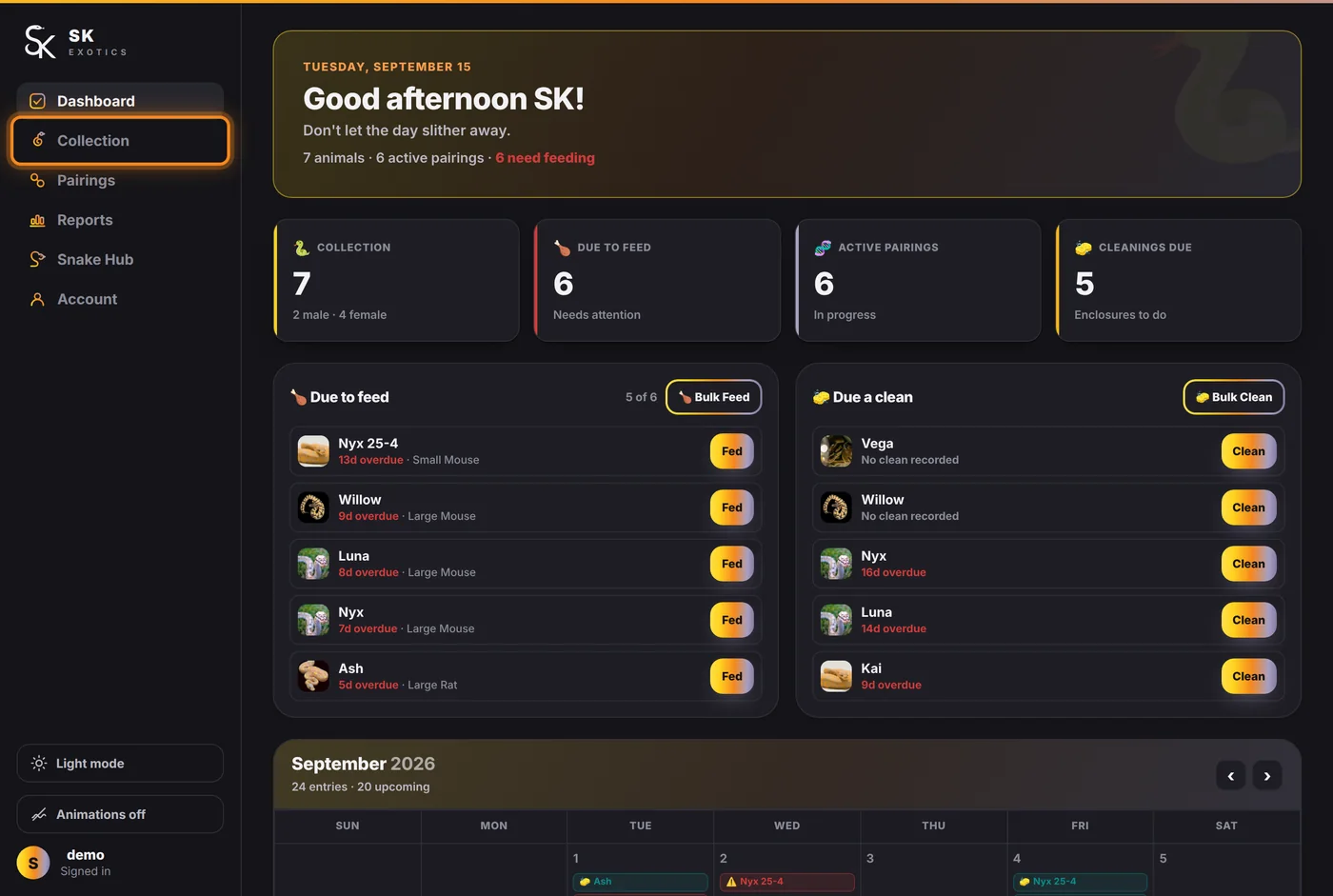
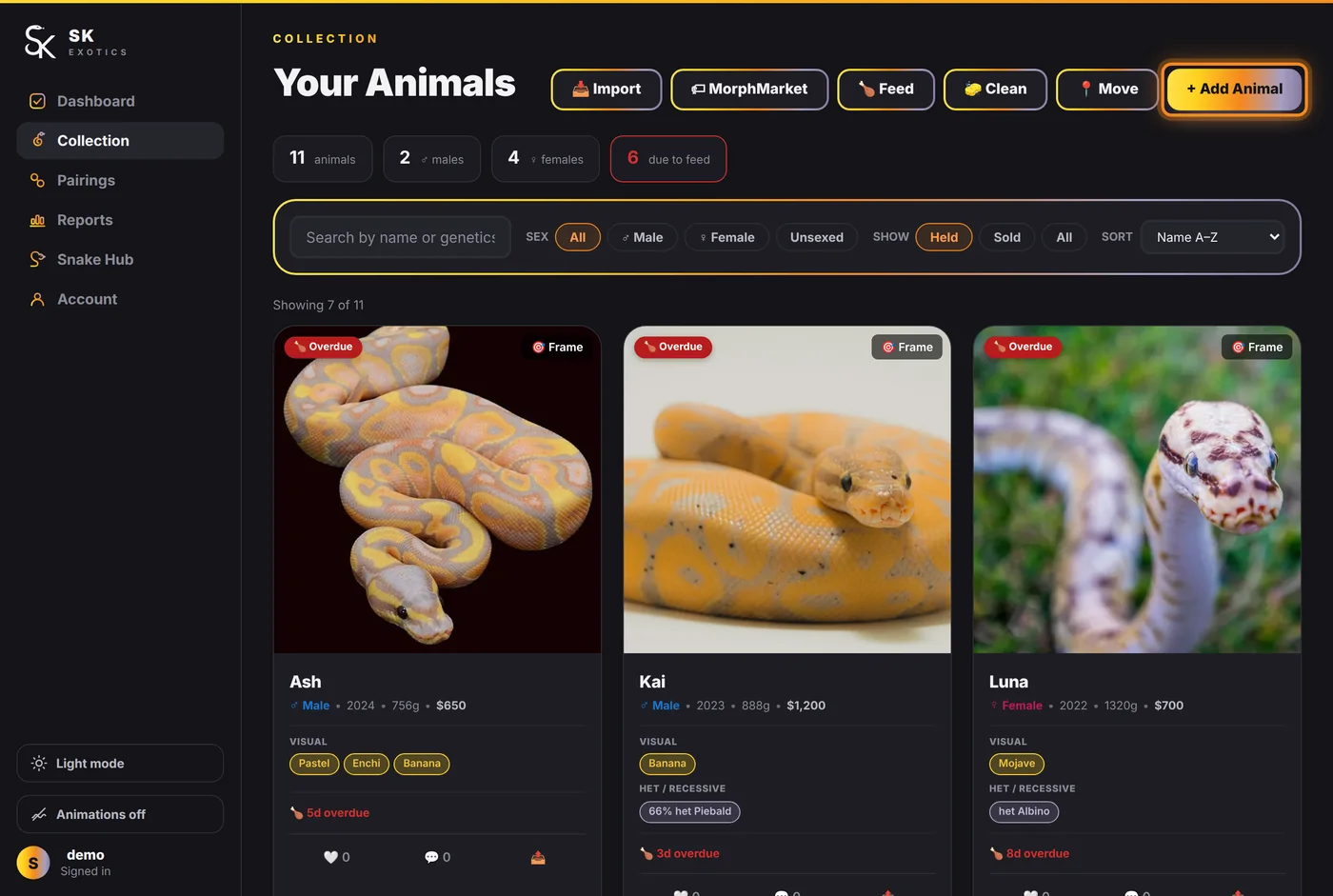
Then press + Add Animal at the top right of the page.
The top of the form
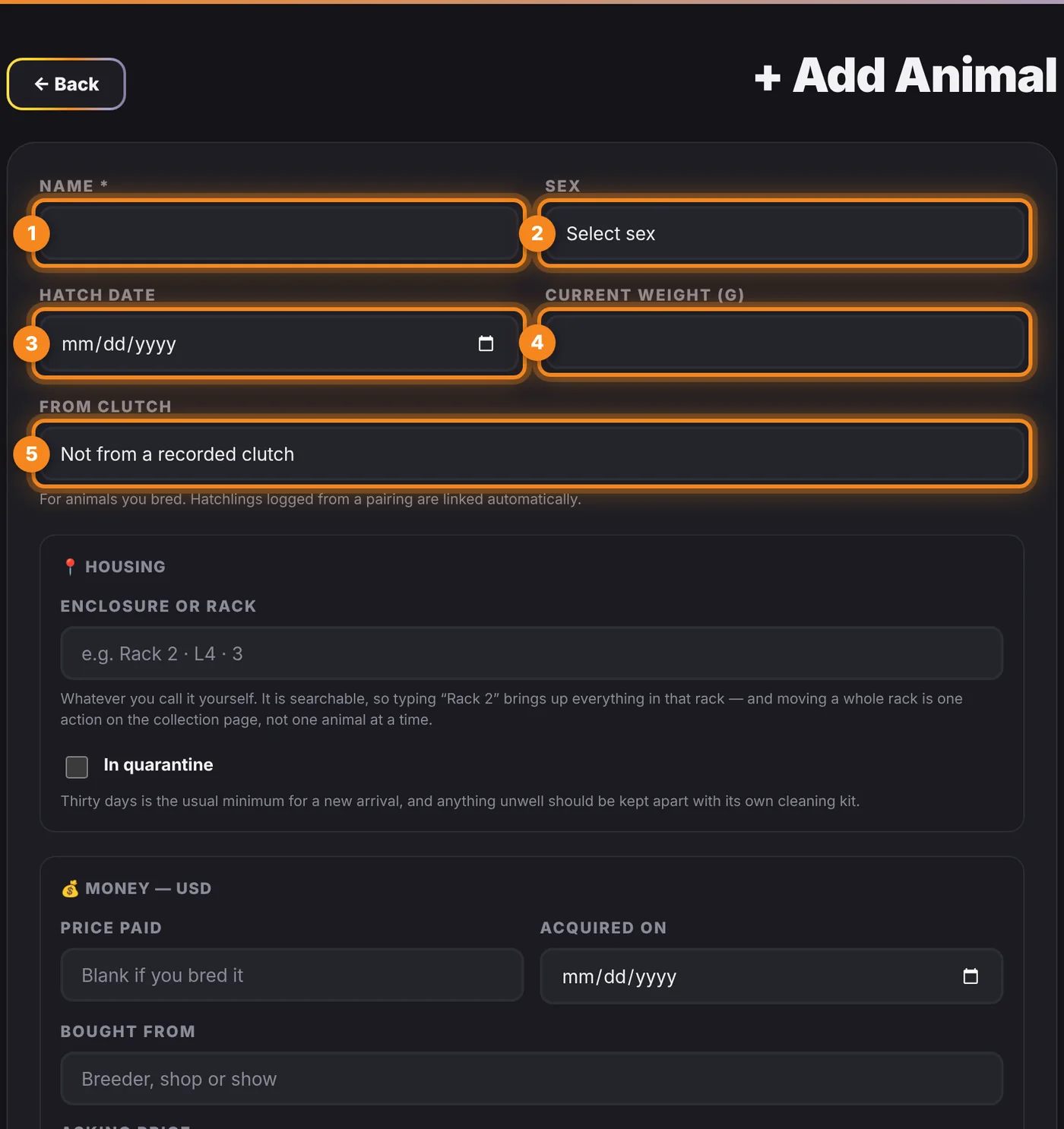
- 1. Name — required. Use whatever you actually call the animal. You can rename it at any time, and hatchlings logged from a pairing can be renamed later without losing their parentage.
- 2. Sex — Male, Female, or leave it as Unknown if you are not certain. It matters later, because pairings only offer males in the sire list and females in the dam list.
- 3. Hatch date — drives the age shown on the animal's profile and in reports.
- 4. Current weight (g) — becomes the first point on the growth curve. Add more later from the animal's page and the curve draws itself.
- 5. From clutch — only for animals you bred. Hatchlings logged from a pairing are linked automatically, so most people leave this alone.
Housing and money
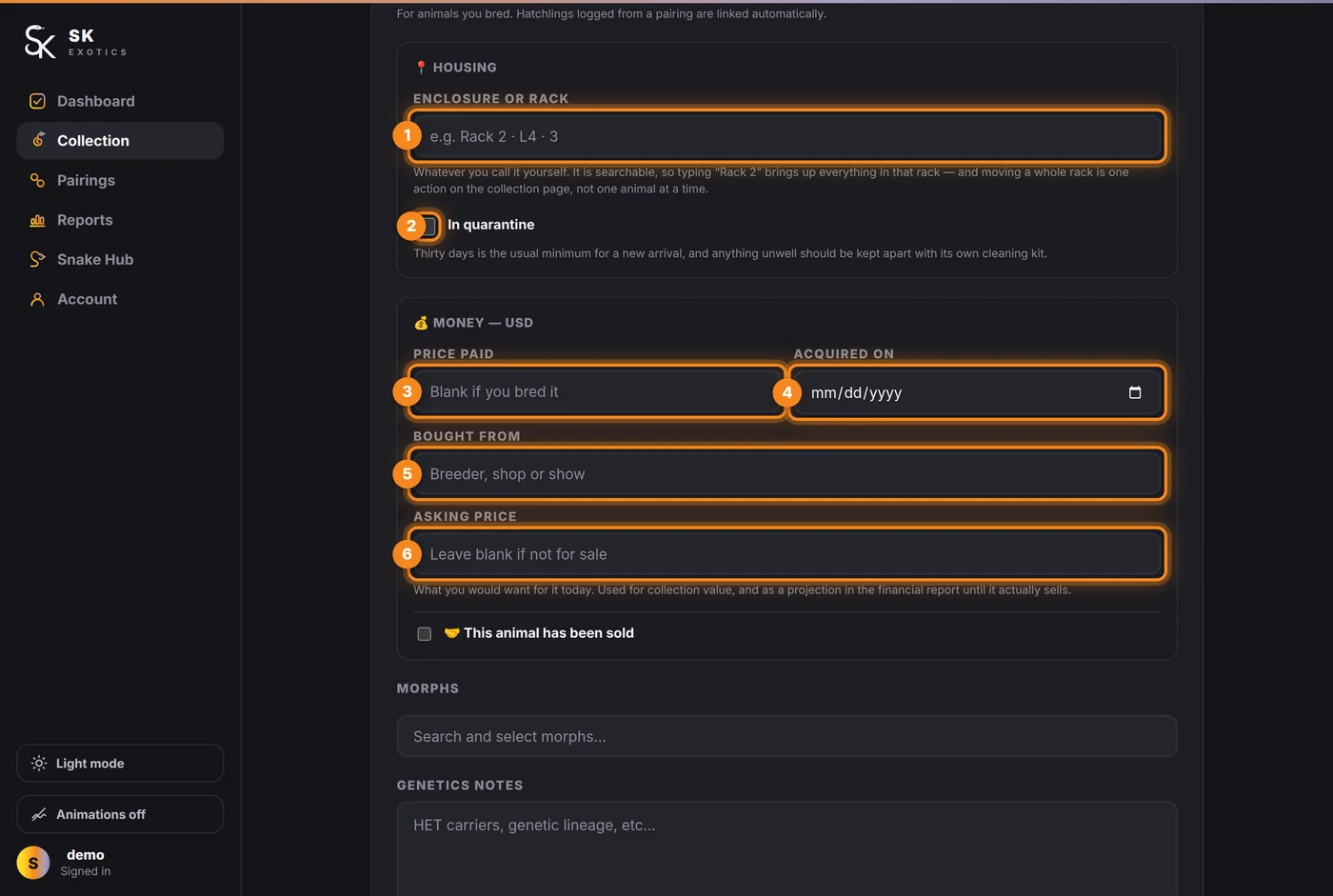
- 1. Enclosure or rack — whatever you call it yourself. It is searchable, so typing "Rack 2" later brings up everything in that rack, and moving a whole rack is one action on the collection page rather than one animal at a time.
- 2. In quarantine — worth ticking for a new arrival. Thirty days is the usual minimum.
- 3. Price paid — leave it blank if you bred the animal. This feeds the financial report; without it, an animal costs nothing on paper and your margins look better than they are.
- 4. Acquired on — the date it arrived.
- 5. Bought from — breeder, shop or show.
- 6. Asking price — what you would want for it today. Used for collection value, and as a projection in the financial report until it actually sells.
Morphs and the photo
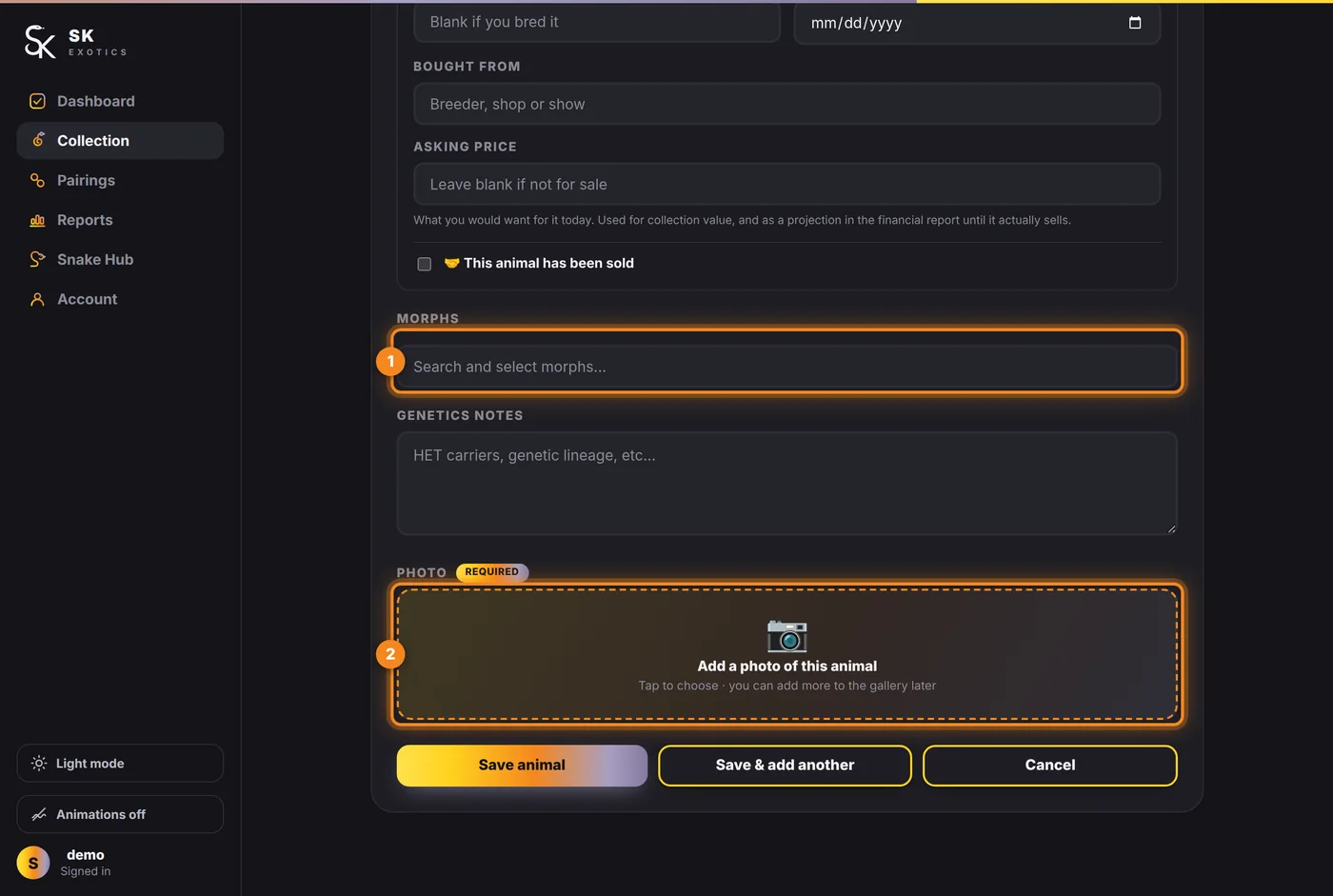
- 1. Morphs — search and select. This is what the genetics calculator reads when you pair the animal, so it is worth being accurate. Het and possible-het traits go in here too; the Genetics notes box underneath is for lineage and anything the morph list cannot express.
- 2. Photo — required. Tap the box to choose one; you can add more to the gallery later.
Saving
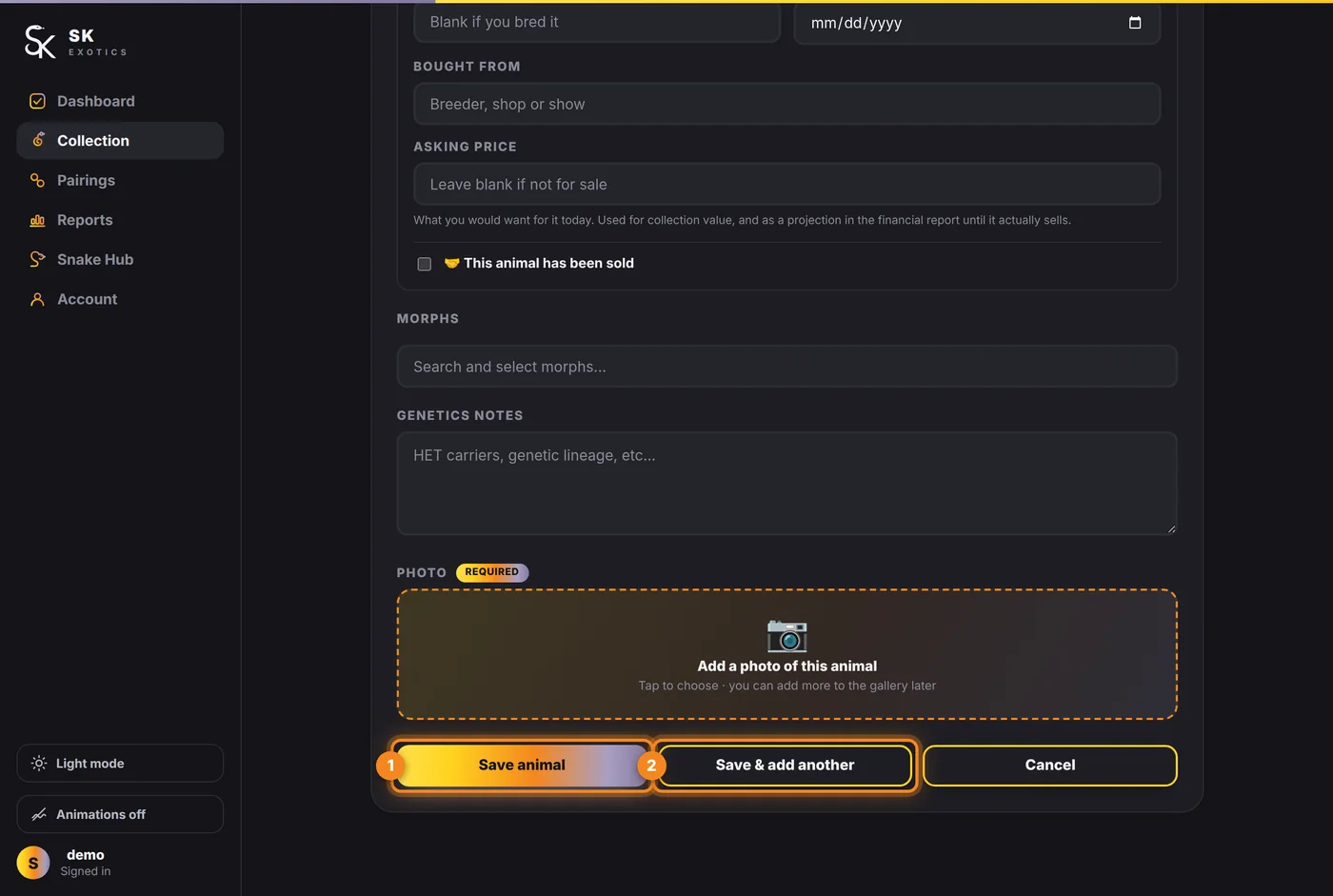
- 1. Save animal — finishes.
- 2. Save & add another — keeps the form open with the housing and money fields as you left them. Much faster when you are entering a whole rack or a clutch in one sitting.
The four fields that pay for themselves later are sex, hatch date, weight and morphs. Everything else can wait.